

Disclosure: royaltypewriters.com participates in the Amazon Services LLC Associates Program, an affiliate advertising program designed to provide a means for sites to earn advertising fees by advertising and linking to Amazon.com.
Faint or uneven print is the most common complaint new typewriter owners have, and in most cases the cause is simple: the ribbon is old, dry or worn out. The good news is that ribbons are inexpensive and replacing one is something nearly anyone can do. The tricky part is knowing which ribbon to buy, because ribbons differ in material, width and, most importantly, spool design. This guide explains the types, how to choose the right one for your machine and how to replace it.
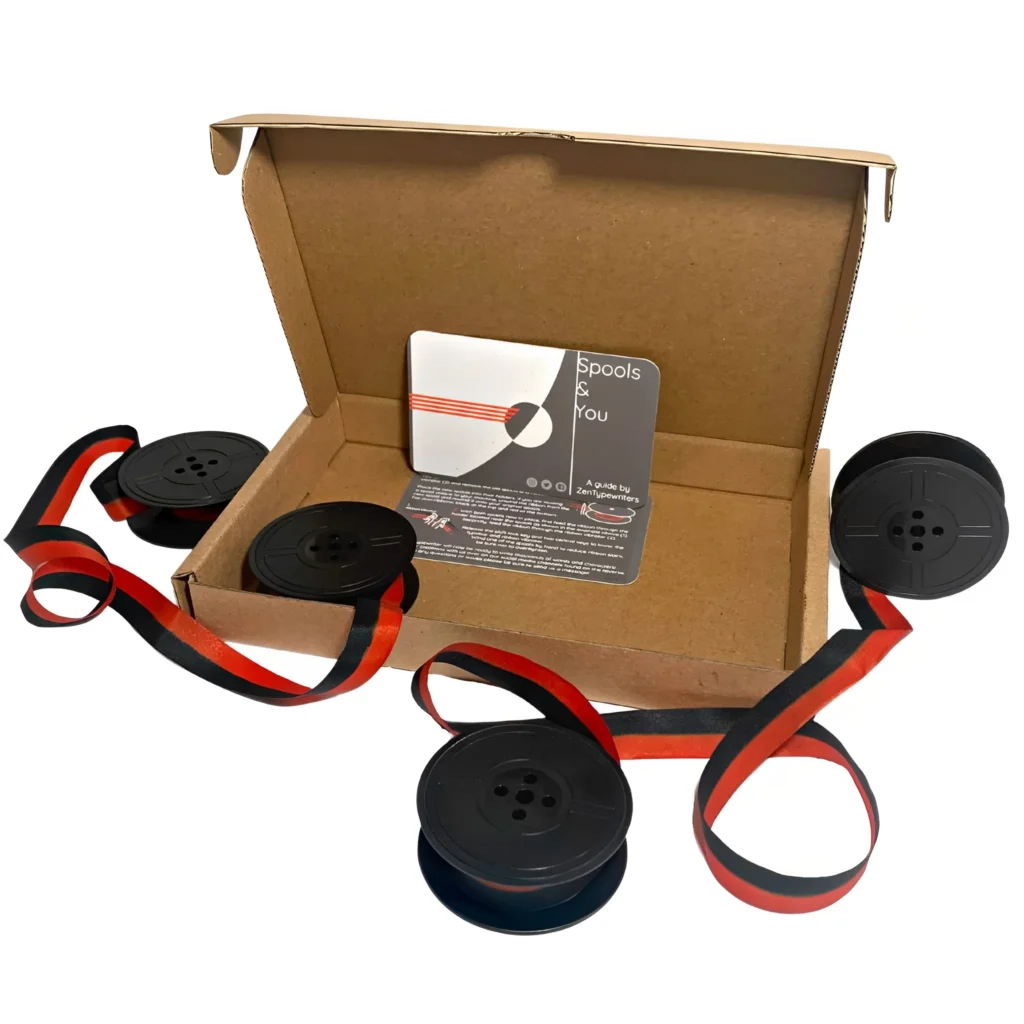
What a typewriter ribbon does
A typewriter ribbon is a strip of inked material that sits between the typebars and the paper. When a key strikes, the slug presses the ribbon against the paper and transfers ink in the shape of the letter. The ribbon advances a little with each keystroke so that fresh ink is used, and it reverses direction automatically on many machines when it reaches the end.
Types of typewriter ribbon
Fabric ribbons (cotton, silk, nylon)
Fabric ribbons are the most common choice for manual and vintage typewriters. Cotton is traditional but can dry out if stored badly. Nylon is less prone to drying and often produces sharp text. Silk is less common. For everyday writing, a fabric ribbon is the standard option.
Carbon ribbons
Carbon ribbons are single-use. Each character leaves a clean impression, and the ribbon cannot be reused over the same spot. They produce crisp, high-contrast text, which is attractive for archival or presentation work, but they cost more per page and run out faster.
Two-color ribbons (black and red)
Many manual machines support two-color ribbons, usually black and red. A lever lets you choose which color prints. Red is handy for headings, corrections or just fun. Some machines also have a stencil position that lets you cut stencils without ink.
Correction and film ribbons
Some electric and electronic typewriters use film or correctable ribbons that work with correction features. These are designed for specific models, so match the ribbon to the machine.
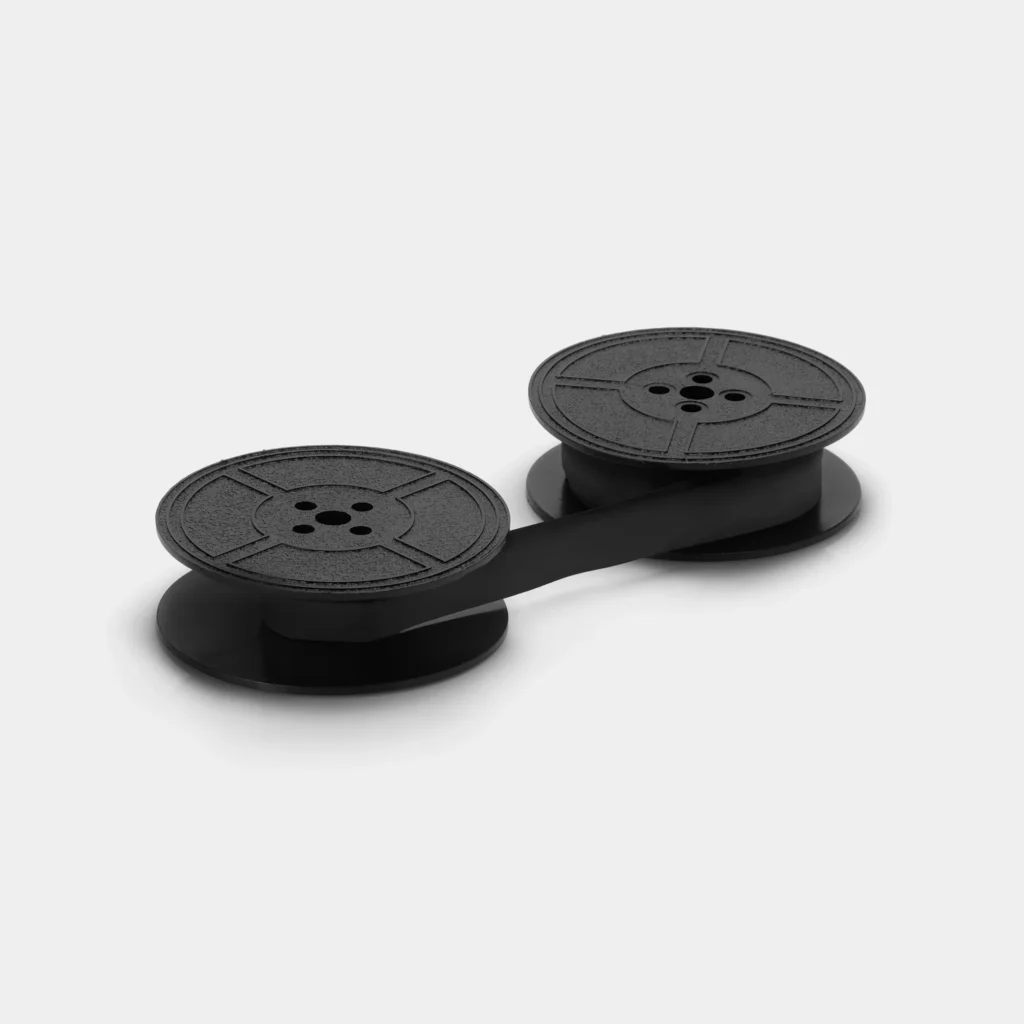
Size and spool: the part that matters most
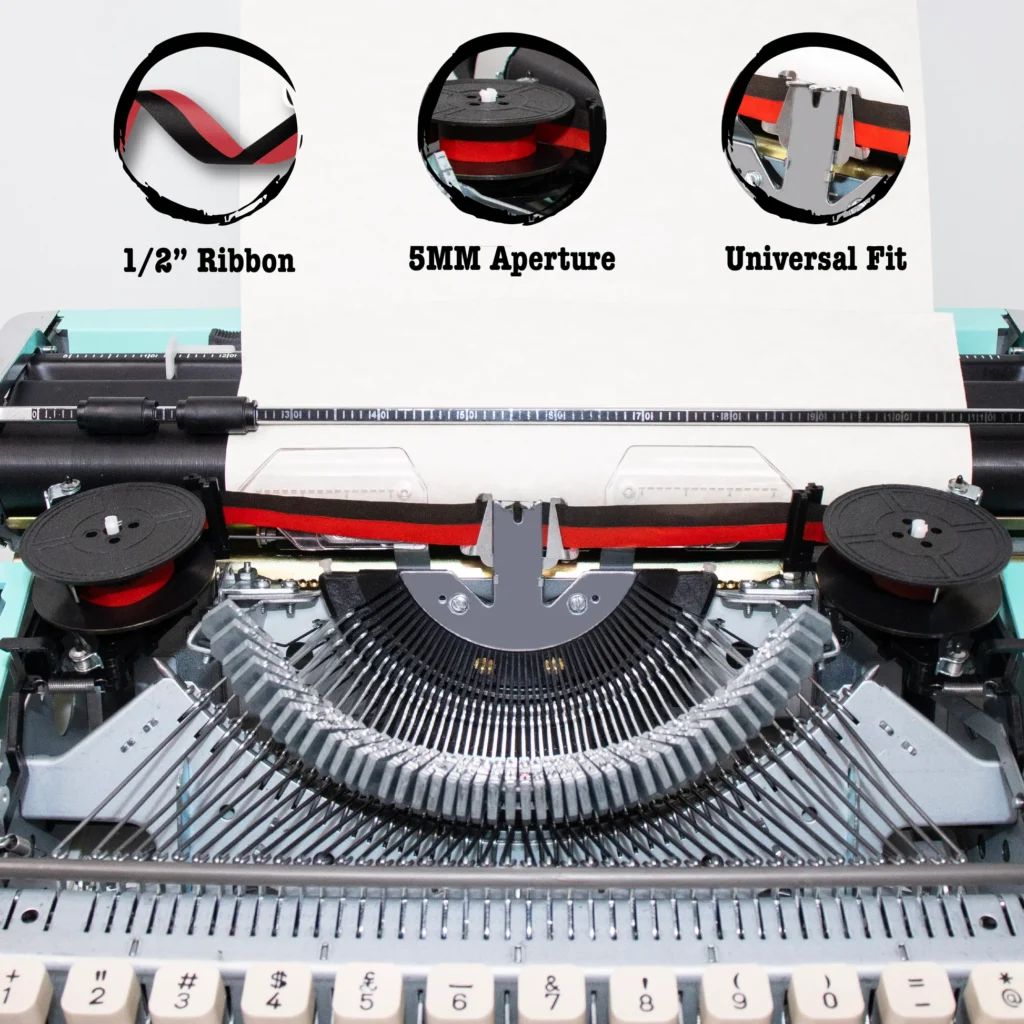
It is tempting to match ribbons by width alone, and many manuals do use a half-inch ribbon. But the real compatibility question is the spool. Typewriters differ in spindle fitting, center hole and spool design, and a ribbon that is the right width can still fail to fit.
- Check your machine’s model and what spool it takes.
- Common types include US Universal spools and other designs such as DIN spools.
- Some older brands and models need their own style of spool, or a ribbon that is re-wound onto your original spools.
- If you are unsure, look for your model name plus ‘ribbon’ in the seller’s compatibility notes.
If you buy a new machine, the listing or manual will often say what ribbon it uses. If you buy vintage, ask the seller what type of ribbon the machine currently has, or compare with a photo.
How to choose the right ribbon
- Identify your machine’s make and model.
- Find out what spool and ribbon width it uses.
- Choose fabric for everyday use; carbon for sharp archival text; two-color if you like color.
- Buy a spare so you are not stuck mid-project.
- Store unused ribbons sealed and away from heat so they do not dry out.
Bundles with extra ribbons
If you are buying a new machine, a bundle that includes extra ribbons can save the trouble of tracking down the right one later. For example, you can compare a classic retro manual typewriter in red with extra ribbons and a classic retro manual in purple as a bundle. Always check the listing to see exactly what is included and what ribbon type is supplied.
How to replace a typewriter ribbon
Exact steps differ by model, so take a photo of the old ribbon path before you remove it. These steps cover most manual machines.
- Turn off or unplug the machine if it is electric.
- Raise the cover or open the ribbon access panel.
- Set the ribbon color lever to the middle or stencil position if there is one, so the guide is easy to move.
- Photograph the ribbon path: how it runs from one spool, through the guide, around the ribbon vibrator and back to the other spool.
- Remove the old ribbon from the spools, saving the spools if they are original.
- Wind a little of the new ribbon onto an empty spool, then place both spools on their spindles.
- Thread the ribbon through the guides and the vibrator following your photo.
- Test by typing and watch the ribbon advance and reverse.
- Adjust the color lever back to your desired position.
Troubleshooting print problems
- Faint print: the ribbon is old or dry, or the ribbon is threaded incorrectly.
- Uneven print: the platen may be hard, or the typebars may need cleaning.
- Ribbon not advancing: check that it is seated on the spindles and that the mechanism engages.
- Ribbon jamming: it may be twisted or the path may be wrong. Re-thread following your photo.
- Letters filled in: clean the type slugs with a soft brush and a little solvent made for typewriters.
Keeping ribbons fresh
- Unused ribbons last longer in sealed containers.
- Avoid heat and direct sunlight.
- Do not leave a ribbon on a machine you will not use for months if you can avoid it, since it can dry out.
- If your ribbon is only dry, some people re-ink it, but a new ribbon is usually the simpler fix.
Frequently asked questions
What ribbon does my Royal typewriter use?
It depends on the model. Check the machine’s documentation or look at the existing ribbon and spool, then compare with a seller’s compatibility notes.
Can I use any half-inch ribbon?
Not always. Width is only part of it; the spool design matters too.
Is black and red ribbon worth it?
If you like the option of color, yes. For plain black printing, a single-color ribbon is fine.
How often should I replace the ribbon?
When print fades or becomes uneven. Heavy use will need replacement sooner.
Can I re-ink an old ribbon?
Some people do, but a fresh ribbon is usually easier and cleaner.
Bottom line
Ribbons are simple once you know the basics: match the spool, choose the material and keep a spare. Start by checking what your machine takes, then compare bundles and replacements on Amazon, such as the red bundle with extra ribbons or the Royal Epoch if you are shopping for a new machine.